Prove That You’re You!

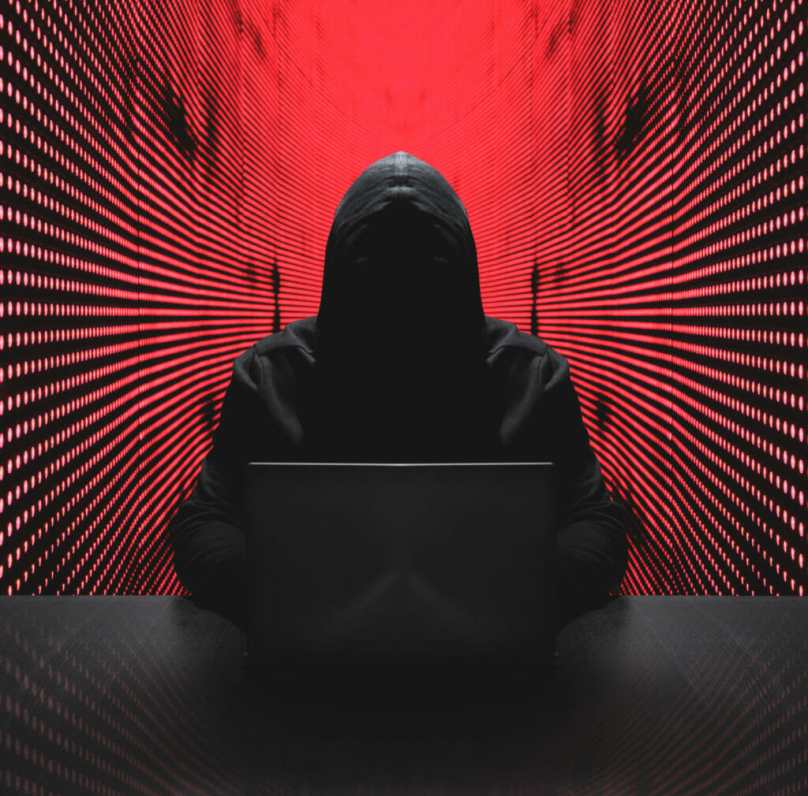
To Prove I’m Legit I Don’t Wear Hoodies

The ultimate fly in the ointment of technology is the prevalence of hackers. In a way, it’s the ultimate challenge for the technically gifted, especially if there’s a chip on their shoulders. All they have to do is create a false identity and run with it. After all, does there exist a piece of software that can’t be hacked?

Today I received an e-mail from one of my medication suppliers. It was encrypted in such a way that I could not make head nor tail of what it was trying to say. I telephoned the corporation that sent me the e-mail and discovered they were just trying to tell me they were trying to contact my physician.

Did that message require special security? Would the hacker have made off with any personal information for which the corporation would be liable?

The answer to both questions is NO. Apparently, some low-level techie fell in love with an obscure bit of security software and decided to use it for everything.

In the beginning, computers were so much fun. Then all the twisted baddies began to emerge, and companies went overboard on forcing users to prove that they are themselves. Passwords had to be incredibly long and complicated, incorporating upper and lower case letters, numbers, and special characters. One had to use a password manager—and they, too, became too complicated to use.

On my desktop, I maintain a passworded Excel file for 146 programs and websites. Am I protected? Not really, because I’m not that fanatical about updating it every time I’m asked to provide a user id and password. I can understand the jokes about users whose password is “Password” or “12345.” Users are just not able to keep up.

In the end, who suffers? Everybody.

Computer Security Gone Wild

That Is 4 Sure!

As an IT specialist, I am surrounded by hundreds of passwords for our computer network and its users. Every system seems to have its own requirements, with financial institutions being the most demanding:

  • One or more capital letters
  • Several lower case letters
  • One or more numbers
  • One or more special characters (!@#$%^&* etc.)

As if that weren’t bad enough, some systems require you to change passwords every 90 days or so. Now the IRS has gotten involved: Users of accounting systems that store Social Security Numbers and Federal Tax IDs are required to create passwords that comply with the standards enumerated above, and moreover change them at 90 day intervals.

What is a good password? As the illustration above indicates, length is probably the best attribute. There is a fun website called How Secure Is My Password? that is fun to use. Given any password you type in, it tells you approximately how long a computer can crack it. Let’s enter a password called, simply enough, “password.” Your password would be cracked instantly. Let’s say your password is “Longer Passwords Make Stronger Passwords.” That would take a computer 89 septendecillion years to crack. You get the general idea. (I think it would actually be cracked sooner, because computers are always getting faster.)

Some people think that using letter/number substitutions such as “4“ for “for” or “B100dy Pa55w0rd5!” for “Bloody Passwords!” would do the trick. Not really. Not when a hacker uses brute computing force to check all possible letter/number/special character permutations. And these artificial passwords are always harder to remember. And you know what happens when you lose a vital password? You’re up Excrement Creek without a paddle.

What I do is keep all my passwords up to date in a Microsoft Excel file that is itself passworded. You can even create sequences of passwords, such as:

  • 1-2-Buckle-My-Shoe
  • 3-4-Shut-The-Door
  • 5-6-Pick-Up-Sticks
  • 7-8-Lay-Them-Straight
  • 9-10-A-Big-Fat-Hen

I’ve actually used that sequence for one bank (but no longer).

There are even computer programs that save your passwords for you—even Internet browsers. But if it’s a separate system, how do you know it wasn’t designed by computer hackers? It’s like all those unsolicited anti-virus systems whose sole purpose is to load viruses onto your system. It pays to be a bit suspicious.


A Downside to Superfast Computers

Chip for a Dwave Quantum Computer

There is one possible downside to having a superfast quantum computer such as the one envisioned by Nobel Prizewinners Serge Haroche and David J. Wineland. Right now, your secure websites are protected by passwords that, for the present level of technology, are good enough to avoid cracking by other PCs.

But what if a strong password such as recommended by Microsoft isn’t good enough for a supercomputer that is thousands of times faster than the fastest PCs? In that case, if the hacker has access to one of these quantum computers, even a strong password may not be enough. Perhaps the next step is what Bank of America is doing right now: namely, asking you a question whose answer has been predetermined by you and requiring a strong password as well. Perhaps some websites may ask you a whole string of questions.

Eventually, keeping tabs on a whole plethora of passwords will become a far more tricky task than it is now. There may be whole strings of passwords which are too complicated to be remembered directly by any human. What to do? You can perhaps put them in an Excel file on your computer which is itself passworded,

In any case, as usual, the more things advance, the more complicated they become.